Cricway App – Download for Android & Access on iOS
The Cricway App gives users a convenient way to access supported cricket, sports markets, exchange betting and account features from a compatible mobile device.
Android users can use the current supported Cricway download or mobile-access method, while iPhone users can connect through the compatible iOS route available for their device. Once connected, users can check supported fixtures, explore pre-match and live markets, access betting exchange options where available and return to their existing account.
Already registered? Use your existing Cricway account on mobile. New users can begin through Cricway Signup.
Cricway App at a Glance
The Cricway mobile experience is designed for users who want practical access to the platform away from a desktop.
| Mobile Area | Cricway Access |
|---|---|
| Android | Supported Android access |
| iPhone & iOS | Compatible iOS access method |
| Cricket & Sports | Supported |
| Pre-Match Markets | Available for supported events |
| Live Betting | Where available |
| Betting Exchange | Where supported |
| Account Access | Existing Cricway account |
| Connection | Stable mobile data or Wi-Fi |
| Updates | Latest supported version recommended |
The exact mobile access method can vary by device, so users should always use the current Cricway-supported route.
Before Downloading Cricway – Check Your Device
A quick device check can reduce common download, installation and performance problems.
Check Compatibility
Use a compatible Android smartphone, tablet or supported iPhone device.
Device CheckKeep Enough Storage Available
If an Android APK is provided, make sure your device has enough space for the download and installation.
Storage ReadyUse a Stable Internet Connection
Wi-Fi, 4G or 5G can be used where supported, but an unstable connection may interrupt downloads or prevent markets from loading correctly.
Connection CheckKeep Your Device Software Current
Updated Android, iOS and browser software can improve compatibility and reduce avoidable access issues.
Stay UpdatedUse the Verified Cricway Source
Avoid unofficial APK mirrors or links from unknown sources. Use only the current Cricway-supported access method.
Verified AccessDevice ready? Choose the access route for your operating system.
Android / iOS
How to Install the Cricway App
If an official Cricway APK is available, the installation process can be completed from a compatible Android device.
- Step 1 – Open the Verified Cricway Download
Access the current Cricway Android download route from your smartphone or tablet. - Step 2 – Download the APK
Allow the file to finish downloading completely before opening it. - Step 3 – Review the Installation Permission
Android may request permission before installing an application from outside the default app store.
Review the prompt carefully and allow installation only for the verified Cricway file. - Step 4 – Complete Installation
Open the downloaded APK and follow the installation prompts shown on your device. - Step 5 – Open Cricway
Once the installation is complete, launch Cricway and continue using your existing account credentials.
If you do not yet have an account, use the dedicated Cricway Signup page rather than creating duplicate profiles.
Android vs iPhone – How Cricway Access Differs
The main Cricway features may be similar across supported devices, but the access method can differ.
| Access Area | Android | iPhone & iOS |
|---|---|---|
| Mobile Cricway Access | Yes | Yes |
| APK Support | If officially provided | No |
| Browser Access | Where supported | Where supported |
| Existing Account Login | Yes | Yes |
| Sports Markets | Supported | Supported |
| Live Markets | Where available | Where available |
| Betting Exchange | Where supported | Where supported |
Android users may be able to install an APK if Cricway officially provides one, while iPhone users should use the supported iOS access method.
Choose the correct route for your device rather than attempting to install files built for another operating system.
Cricway App Technical Requirements
Technical requirements can change with platform updates, so users should rely on the current information provided by Cricway.
| Requirement | Recommendation |
|---|---|
| Device | Compatible Android or iOS device |
| Android Version | Current supported version |
| iOS Version | Current supported version |
| Storage | Enough free space for installation and normal use |
| Connection | Stable Wi-Fi, 4G or 5G |
| File Type | APK only if officially provided for Android |
| Browser | Updated compatible mobile browser where required |
| Account | Existing or new Cricway account |
Using an updated device and stable connection can improve reliability when loading live markets or account information.
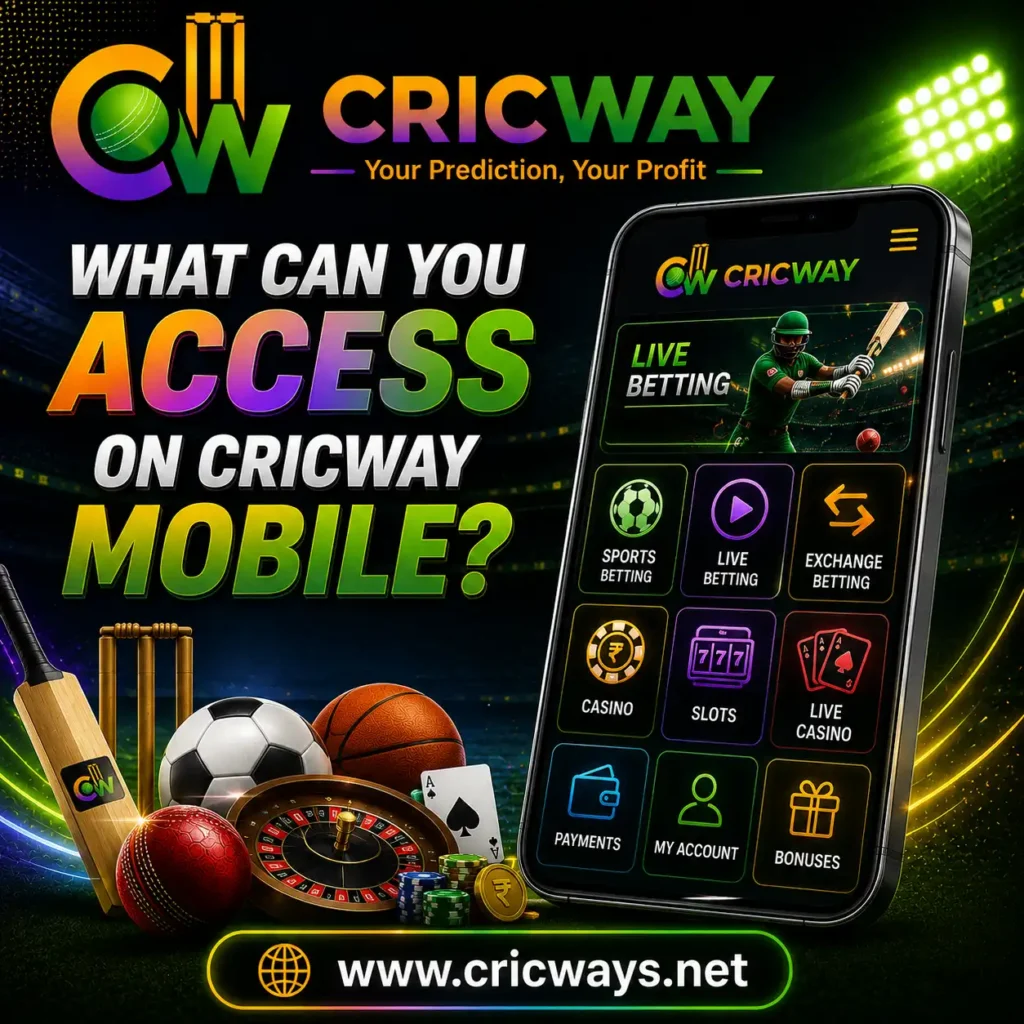
What Can You Access on Cricway Mobile?
The Cricway mobile experience focuses on the main actions users may want while away from a desktop.
- Cricket & Sports Markets
Browse supported cricket fixtures and other sporting events from a compatible mobile device.
For deeper sports information, visit Cricway Sports Betting. - Pre-Match Betting
Review supported fixtures, market selections and available odds before an event begins. - Live Betting Access
Where live betting is available, users can follow supported markets while the event develops. - Betting Exchange Access
Supported back and lay markets may also be accessible through the mobile experience.
For more information about exchange betting, visit Cricway Betting Exchange. - Account Access
- Existing users can return to their Cricway account and move between supported sections without depending on desktop access.
Built for Match-Day Access
Mobile access becomes most useful when the sporting event you are following is already moving.
- Follow the Match Away From Desktop
Check supported fixtures and markets without staying at a computer. - Reach Available Live Markets on Mobile
A wicket, partnership or change in momentum can alter a cricket match quickly. Mobile access makes it easier to check available in-play markets while the event is happening. - Move Between Sports & Exchange Markets
Users can switch between supported sportsbook and betting exchange areas from the same compatible device.
Following today’s action? Open Cricway on mobile.
What to Do After Installing Cricway
Once Cricway is ready on your device, take a moment to understand the mobile interface before making a selection.
- 1. Access Your Account
Use your existing credentials rather than creating another account. - 2. Check the Navigation
Locate the sports, exchange and account areas relevant to you. - 3. Choose the Event
Browse the current schedule and select the fixture you want to follow. - 4. Review the Market
Understand the market and available odds before taking action. - 5. Keep Your Session Secure
Do not share your account credentials, and sign out when using a device that other people can access.
Keep Cricway Updated
Using the latest supported Cricway version or access method can reduce compatibility and loading issues.
Android users should check the verified Cricway source when an installed version stops working correctly. Avoid downloading “updated” APK files from third-party websites.
Browser-based users should keep their browser current and refresh or reopen the Cricway session if pages no longer load correctly.
Check for an update when:
- Cricway no longer opens;
- markets fail to load;
- login stops working after previously functioning;
- the interface behaves unexpectedly; or
- Cricway announces a newer access method.
Always update through a verified Cricway source.
Cricway App Not Working? Common Problems & Fixes
Mobile issues can come from the device, connection, outdated software or installation method.
| Problem | What to Check |
|---|---|
| APK Won’t Download | Connection, storage and download source |
| APK Won’t Install | Android compatibility and permissions |
| Cricway Won’t Open | Current version and device restart |
| Login Isn’t Working | Credentials and internet connection |
| Markets Won’t Load | Connection and current availability |
| Cricway Feels Slow | Network, storage and background apps |
| Old Version | Latest verified Cricway access method |
Cricway Is Running Slowly
Check your internet connection, close unnecessary background apps and restart Cricway.
APK Download Failed
Make sure enough storage is available and that the connection remained stable throughout the download.
APK Installation Failed
Confirm that the device is compatible and that you are using the current verified Cricway file, if one is officially provided.
Login Isn’t Working
Carefully check your registered credentials. For dedicated account-access guidance, visit Cricway Login .
Markets Aren’t Loading
Try switching between Wi-Fi and mobile data, then reopen Cricway.
If the problem continues after basic troubleshooting, visit Cricway Customer Support for dedicated assistance.
Download & Access Cricway Safely
A mobile app or website should always be accessed through a verified source.
Avoid unofficial Cricway APK files, modified versions or messages asking you to install an unknown update. These files may create unnecessary security risks.
Use a strong account password, keep your credentials private and avoid entering sensitive details on suspicious pages.
Quick mobile access also does not change the financial risk of betting. Set limits before participating and avoid rushed decisions simply because a market is immediately available.
Already Have a Cricway Account?
You do not need a separate mobile account. Use your existing Cricway credentials through the supported access method for your device.
If you cannot access your account, avoid repeatedly trying uncertain passwords and use the dedicated login or support route instead.
Access Cricway Login →New to Cricway?
New users should create an account before trying to use account-dependent mobile features.
The dedicated signup section provides the relevant registration information without mixing account creation with app installation.
Create Your Cricway Account →Frequently Asked Questions About Cricway App
How do I download the Cricway App on Android?
Use the current verified Cricway Android access method. If an official APK is provided, download it only through the supported Cricway source.
Is there a Cricway APK?
A Cricway APK should only be considered available if it is officially provided through the verified Android access route.
Can I download the Cricway APK from another website?
Using unofficial APK mirrors is not recommended because modified or unverified files can create compatibility and security risks.
Can I install the Cricway APK on iPhone?
No. APK files are designed for Android. iPhone users should use the current supported Cricway iOS access method.
Can I use my existing Cricway account on mobile?
Existing users can access supported Cricway mobile features using their registered account credentials.
Can I access live betting from Cricway on mobile?
Where supported live markets are available, users may be able to follow them from a compatible mobile device.
Does Cricway Betting Exchange work on mobile?
Supported back and lay markets may be available through Cricway mobile access depending on current platform availability.
How do I update Cricway?
Use only the latest version or access method provided through a verified Cricway source. Avoid unofficial update APK files.